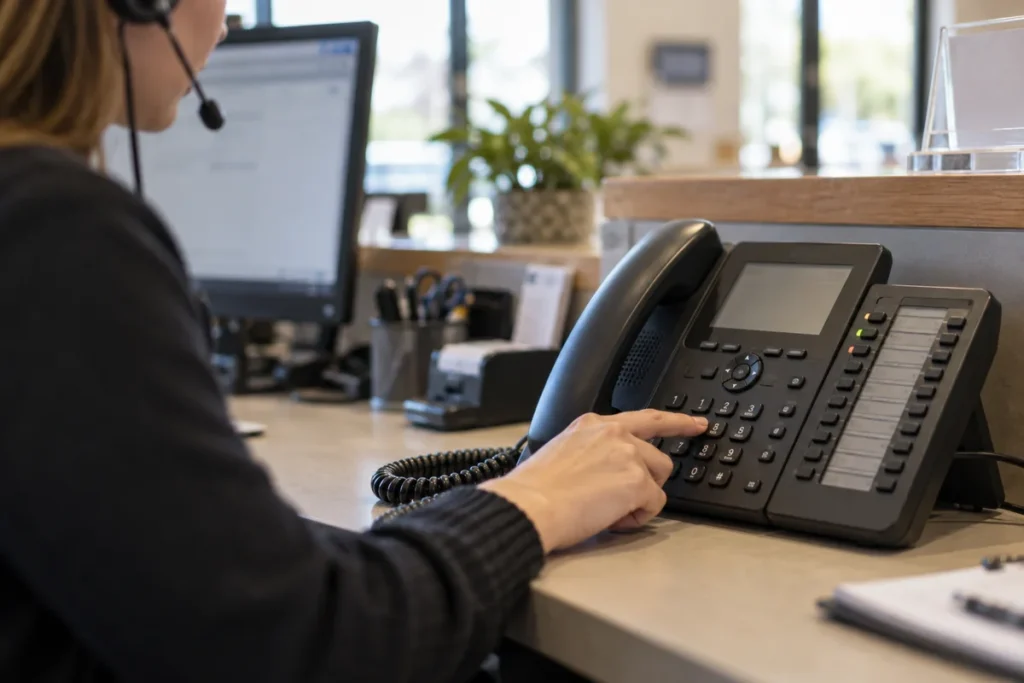
An auto attendant should get callers to the right person without making the phone system expensive or confusing. Compare VoIP auto attendant costs with the required menus, call queues and business numbers listed, rather than assuming every feature comes with the base calling plan.
For business VoIP phone systems, a simple office menu may be enough, while a business with several departments or locations can need more routing. Start with the calls you receive and the destination each caller needs, then price that arrangement.
Auto Attendant Menus and Setup
Write a short call map showing business hours, after-hours treatment and the main choices. Ask the provider to demonstrate it with the proposed plan. A product that includes an auto attendant may still have different limits or setup requirements for more complex routing.
Zoom’s phone materials include auto attendant and IVR capabilities, illustrating the type of feature available in business VoIP. The exact subscription and configuration need confirmation. Use the business VoIP phone systems buying guide to compare the complete calling service rather than buying a menu feature in isolation.
Call Queues and Additional Numbers
Ask whether queues, shared answering groups and extra numbers are included or charged separately. Clarify how many people need calling licenses and whether a shared function requires another license. Do not assume a feature used by several employees has no incremental cost.
Request the price of the complete number inventory, including any toll-free or additional local numbers you need. Ask about usage charges and number transfer arrangements. The business VoIP phone systems overview helps you keep calling plans, equipment and routing functions in the same comparison.
Check what reporting is available if missed calls matter to your business. Ask whether basic call logs are sufficient or whether queue reporting needs another product. Avoid paying for a contact-center package when the office only needs a straightforward hunt group and voicemail arrangement.
Auto Attendant Add-On Example
Using hypothetical plan inputs, ten calling licenses at $20 monthly cost $200. Add $15 for a queue feature and two extra numbers at $5 each, and the monthly total is $225, or $2,700 annually. A $240 package including the same functions is $180 more annually before other differences. These are not Zoom or other provider rates; replace them with the actual licenses and features required.
Keep the Caller Route Simple
Test the proposed menu with someone unfamiliar with your organization. They should be able to choose a useful destination without understanding internal department names. Ask how staff can change opening hours and greetings, and whether the provider charges for routine edits.
Read the business VoIP phone systems FAQs, then compare proposals using the same call map and number count. Include configuration, ongoing licenses and the support needed to maintain the setup. Choose a phone system that answers and routes your real calls at a clear price, rather than a long menu of features that adds cost while making it harder for customers to reach you.
Ready to compare VoIP auto attendant costs? Get prices for the equipment or service you need.