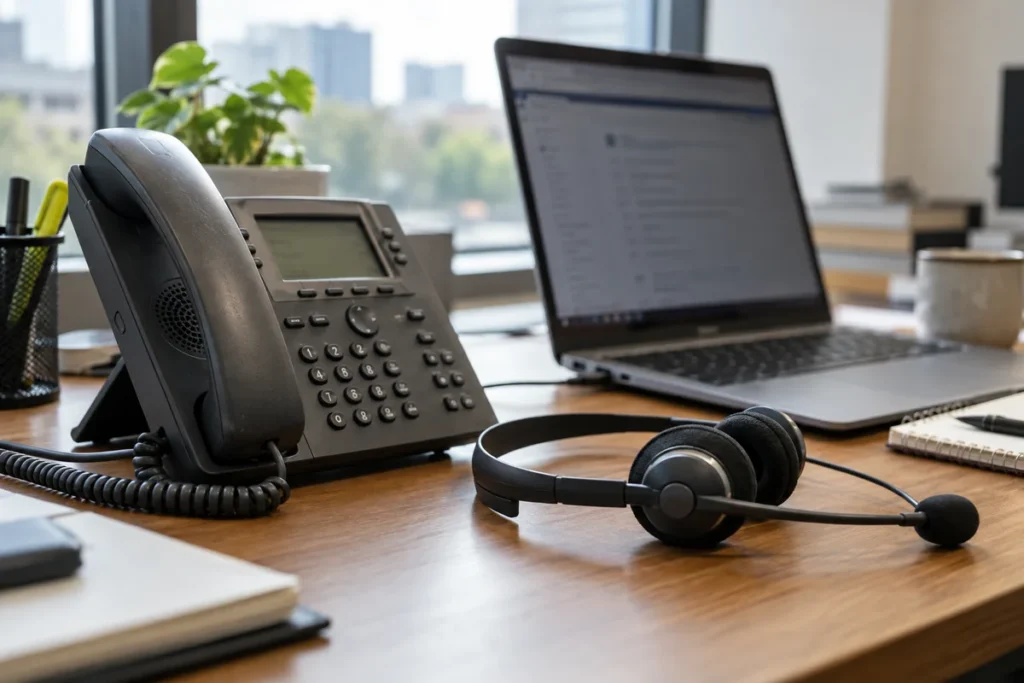
A business phone system does not need a desk phone at every seat, but replacing handsets with apps does not remove every cost. Compare VoIP desk phone vs softphone costs with calling licenses, headsets and support included for the way each employee works.
For business VoIP phone systems, a receptionist handling constant calls may need different equipment from a remote employee making occasional calls. Price the roles separately rather than applying one device choice to the entire company.
Softphone Apps and Calling Licenses
Zoom describes use of its desktop or mobile app for phone calls as a softphone. The app is the interface; the required business calling service and license still need to be identified. Do not assume that an existing video-meeting subscription includes every phone feature you want.
Ask whether employees can use the same business number on supported devices and what happens when they are away from the office. The business VoIP phone systems buying guide helps you compare calling features and service plans before deciding how many physical handsets to purchase.
Desk Phone and Headset Prices
Request the approved desk phone models and the cost to buy or rent them. Include power supplies, network requirements and installation where needed. A used handset is not automatically compatible with the proposed provider, even if it looks like one in the demonstration.
For app-based users, include a suitable headset and confirm supported computers or mobile devices. Ask how calls behave when a laptop sleeps or an employee changes networks. Review the business VoIP phone systems options with the equipment and license prices separated so you can compare a mixed deployment fairly.
Consider shared locations such as reception, meeting rooms and work areas where staff do not sit at personal computers. A dedicated phone may be practical there even if most employees use apps. Price those locations explicitly rather than discovering after installation that the planned device count was too low.
Desk Phone Hardware Cost Example
If ten hypothetical approved desk phones cost $120 each, the hardware subtotal is $1,200. Ten suitable $60 headsets cost $600, a $600 difference before tax, setup and device requirements. Calling licenses may still be needed in either case. These illustrative prices do not establish a complete phone-system saving; include computers, power, networking and support where they are additional purchases.
Test Everyday Calling
Have users try transfers, voicemail and the calls they handle most often. Check audio quality in the actual working environment and ask how the provider diagnoses a problem. A cheaper headset or handset can be poor value if it makes routine calls frustrating.
Use the business VoIP phone systems FAQs to prepare the service questions, then request a complete price for desk phones, softphones and a mixed arrangement. Include setup, licenses and support over the same period. Choose the combination that gives employees a dependable way to answer business calls without buying hardware for people who do not need it or under-equipping those who do.
Ready to compare VoIP desk phone vs softphone costs? Get prices for the equipment or service you need.