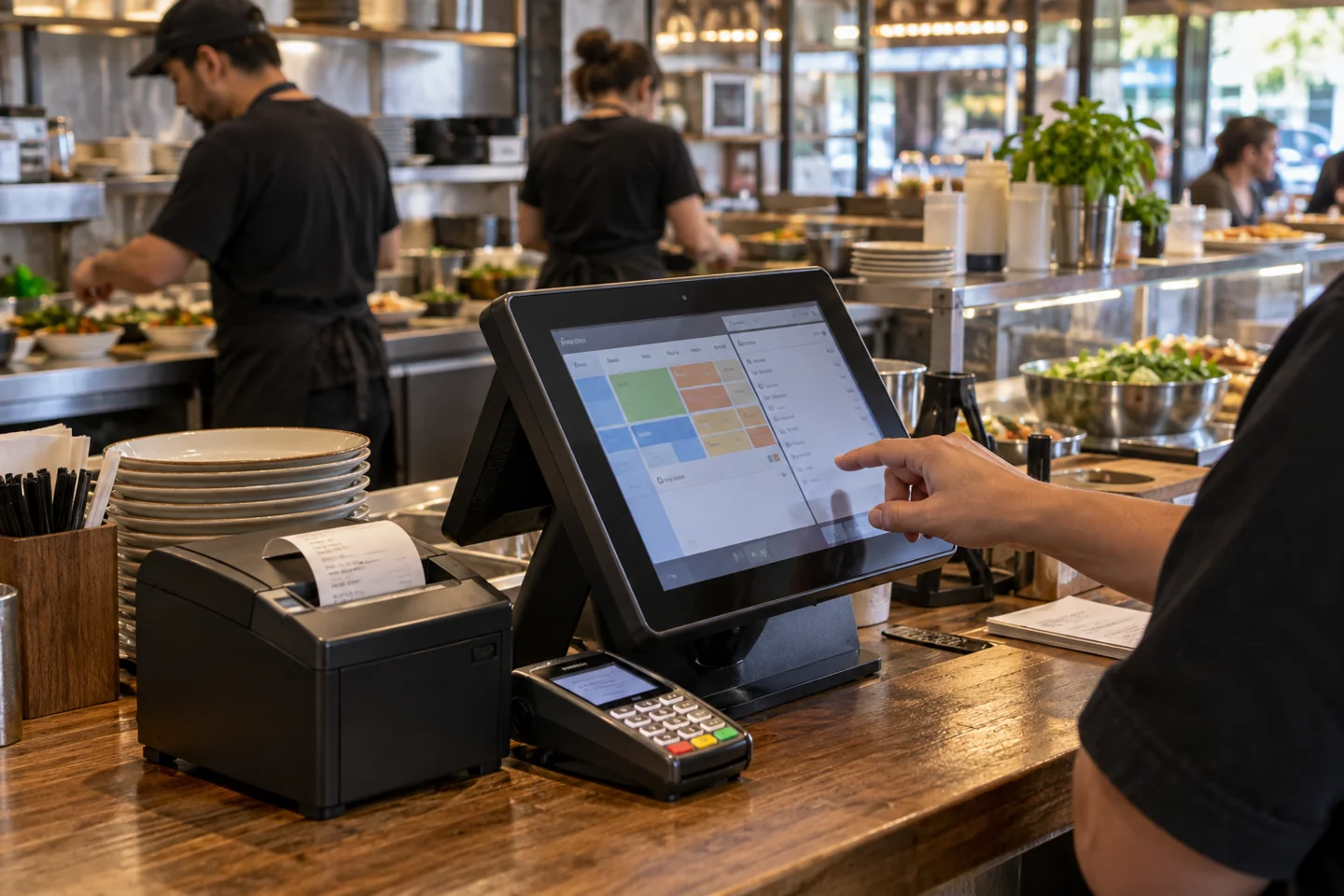
POS Buying Guide: Demonstrate Your Hardest Sale
Ask suppliers to run a normal sale, a return and one complicated transaction. For retail, use variants and exchanges; for restaurants, use modifiers and a split bill. Watch how many actions staff need and whether corrections are easy.
A demonstration should reflect your business rather than the supplier’s quickest scripted checkout. Include the receipt, stock update and end-of-day report in the test.
POS Processing Fees and Settlement Timing
Compare percentage charges, per-transaction charges and any monthly minimums. Ask about keyed payments, online transactions, refunds and disputes separately. The same revenue can produce different processing costs depending on how customers pay.
Check when funds become available and which circumstances can delay settlement. A lower rate is not the only consideration when daily cash flow supports purchases and payroll.
POS Hardware, Accessories and Replacement Service
Price the terminal or tablet with its reader, printer, drawer, scanner and network requirements. Confirm model compatibility before reusing equipment. Ask who installs and supports each component.
Review the replacement process for a failed reader during opening hours. A hardware warranty and a practical same-day trading workaround are different things, so ask about both.
POS Data, Staff Training and Contract Terms
Plan product imports, tax settings, permissions and staff training before switching. Test a small catalog first and reconcile stock and prices. Keep the previous system available until the new setup has been accepted.
Review data export, contract term and any hardware finance separately. Use the POS FAQs to refine your shortlist, then request prices with the required software and payment arrangement identified.